

STEP 2: Making Your Course Accessible
Prioritize the main task of improving student access to your specific courses.
Get started with these seven practical ways to make your course more accessible.
- Structured Headings
- Descriptive Links
- Accessible Tables
- Color Contrast
- Alternative Text
- Multimedia Captions & Transcripts
- Native Text PDFs vs Scanned Images
- CELT Accessibility Checklist
Structure Headings
Structured Headings for Easy Navigation
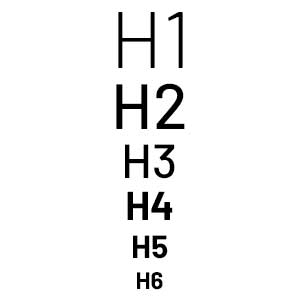
Structured headings help screen readers navigate content and improves clarity for all learners.
Best practices
- Use H1 to H6 in order
- Keep headings clear & descriptive
- Don’t skip heading levels
Microlearning Module
Descriptive Links 
Descriptive Links for Clear Context
All hyperlinks must use descriptive text.
Example of Inaccessible Link Text
Example of an Accessible Link Text
Microlearning Module
Accessible Tables
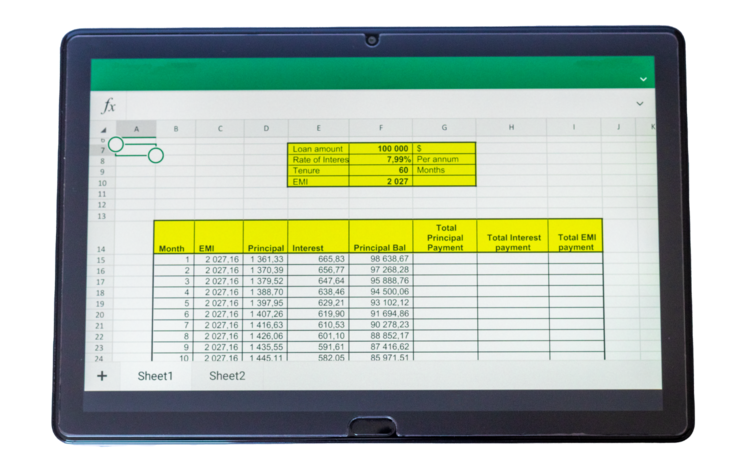
Tables are for Data, Not Design
Avoid: Merged cells and complex layout structures for tables.
Screen readers lose row/column context.
Best Practice: Simple grid structure. Always use defined Column Headers or Rows.
Microlearning Module
Color Contrast
Color Cannot Stand Alone
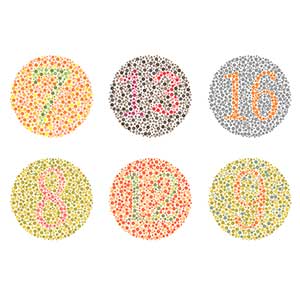
Normal Vision – Assignments marked in red are due this week.
Grayscale Simulation – Assignments marked in red are due this week.
The Fix – Assignments marked with Due This Week are due this week.
The Ratio Gauge
Rule: Normal text must meet a 5.5:1 contrast ratio against its background.
Avoid light gray text or colored text on colored backgrounds.
Microlearning Module
Alternative Text
Alternative Text: The Essentials
- Never write “Image of” or “Picture of” (screen readers announce this automatically).
- Be concise and describe the core purpose.
- Mark visual dividers or background graphics as Decorative to skip screen reader interruption.

Microlearning Module
Multimedia Captions & Transcripts
Multimedia: Captions & Transcripts
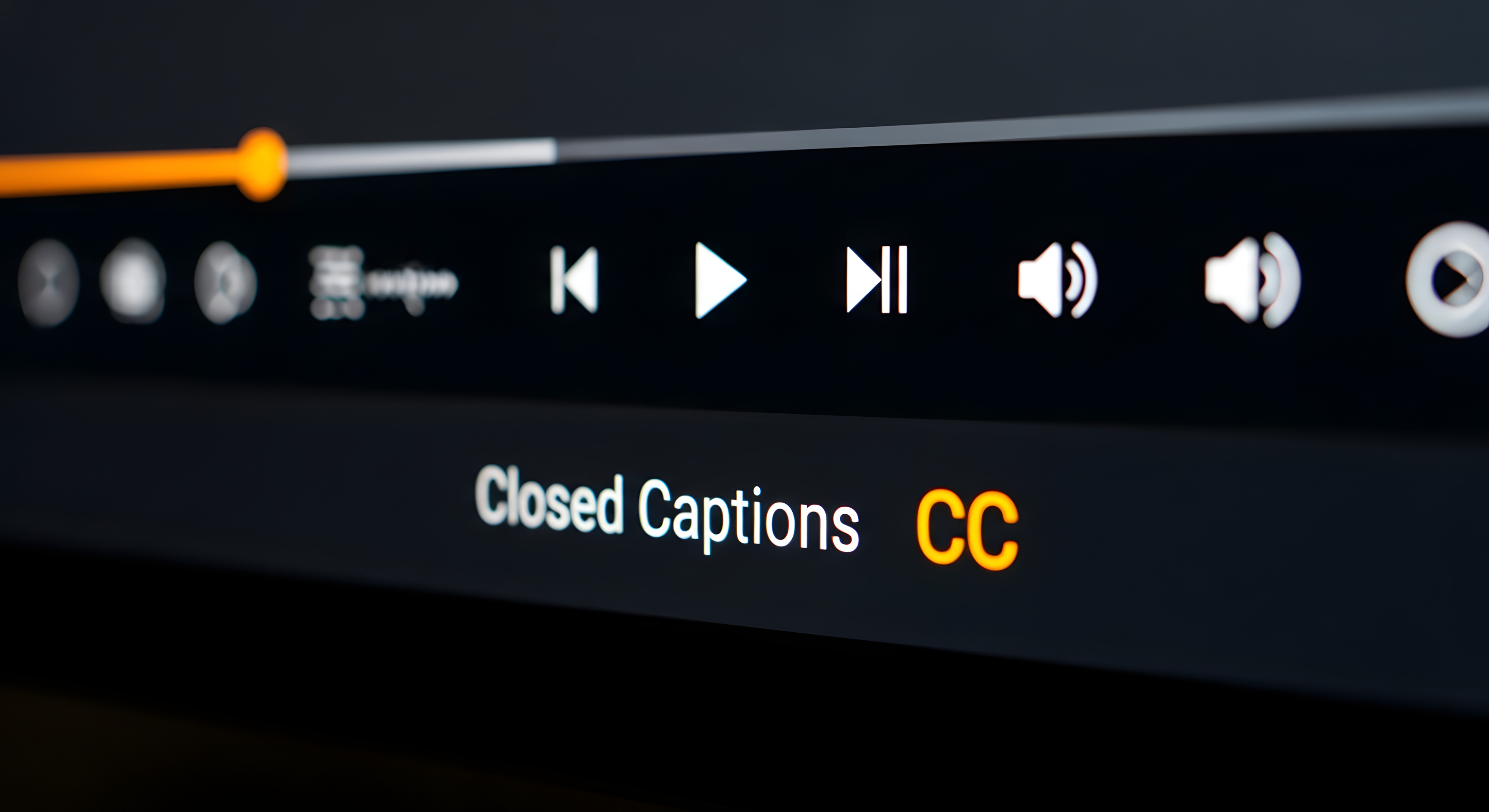
Captions assist deaf/hard of hearing students, non-native English speakers, and students in noisy environments.
Captions must be:
- Accurate: Auto-generated captions must always be reviewed and corrected.
- Synchronized: Text must match the audio timing perfectly.
- Complete: Captures all meaningful dialogue and sound cues.
Audio Rule:
Podcasts, lectures, and recorded interviews must include an attached text Transcript
Microlearning Module
Native Text PDFs vs Scanned Images
PDFs: Native text, NOT scanned images
Accessible PDFs require native, machine-readable text rather than scanned images of text. Scanned documents are essentially images, which screen readers and other assistive technologies cannot interpret or extract words from effectively.
- Check if your PDF has tags
- Review reading order and tags
- Ensure image accessibility
- Set file properties

Microlearning Module